How to Set Up a Smartphone for Elderly Loved Ones
How to Set Up a Smartphone for Elderly Loved Ones
As our loved ones age, staying connected with them becomes increasingly important. Setting up a smartphone for an elderly family member can help them stay in touch with family and friends, as well as provide them with access to useful resources and entertainment. Here are some tips on how to set up a smartphone for your elderly loved ones:
1. Choose a smartphone with a simple interface: Look for a phone with a user-friendly interface that is easy to navigate and understand.
2. Set up emergency contacts: Make sure that important contacts, such as family members and healthcare providers, are easily accessible on the phone.
3. Install helpful apps: Consider installing apps that can help your loved one with daily tasks, such as medication reminders, transportation services, and virtual doctor visits.
4. Increase text size and adjust settings: Make sure the text size on the phone is large enough for your loved one to read comfortably and adjust other settings as needed to make the phone easier to use.
5. Provide basic instructions: Take the time to show your loved one how to use the phone, including making calls, sending messages, and accessing the internet.
6. Simplify the home screen: Remove unnecessary icons and apps from the home screen to reduce clutter and make the phone easier to navigate.
7. Consider a phone with larger buttons: If your loved one has trouble with touchscreens, consider a phone with larger physical buttons for easier dialing and texting.
8. Set up location tracking: For peace of mind, consider setting up location tracking on your loved one’s phone so you can easily locate them in case of emergency.
9. Encourage regular phone checks: Remind your loved one to regularly check their phone for messages, missed calls, and updates to ensure they stay connected.
10. Provide ongoing support: Be patient and provide ongoing support as your loved one becomes more comfortable using their smartphone. Encourage them to ask questions and offer assistance as needed.

iMP Tech Mini Arcade Pro Review: A Nintendo Switch Arcade Cabinet
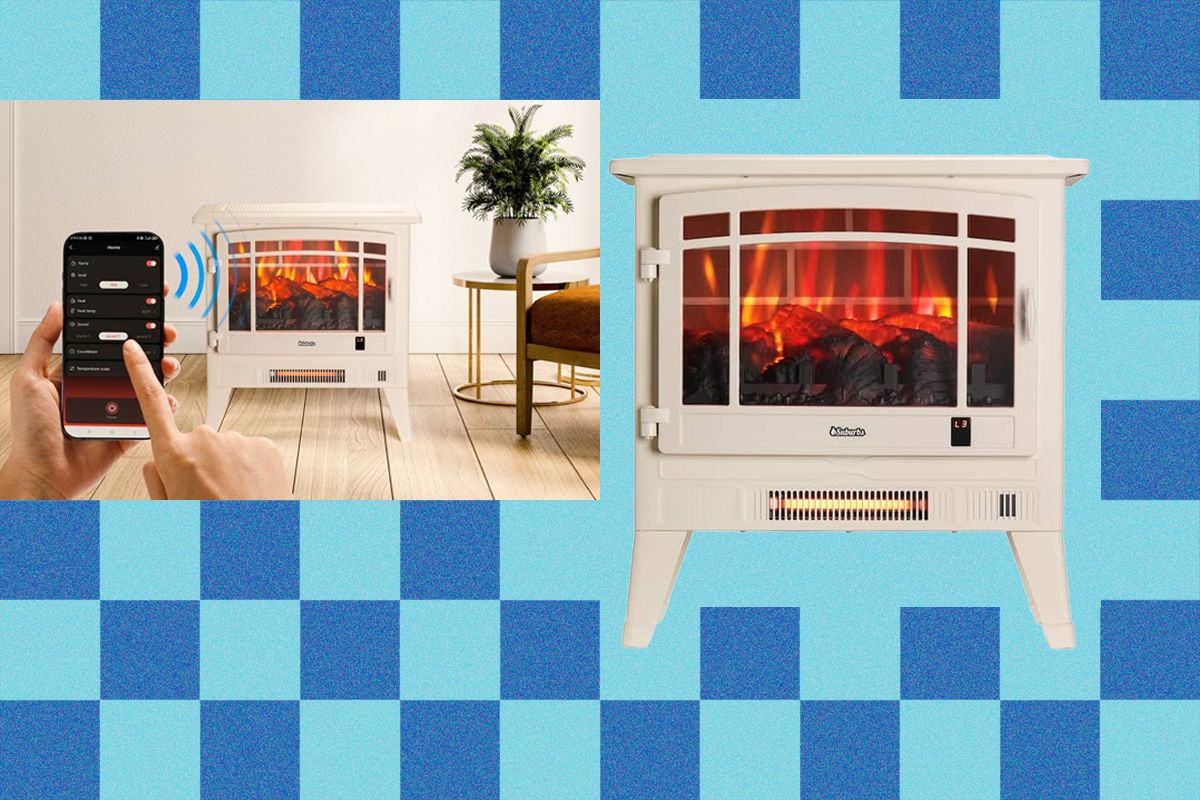
How a $200 Fake Fireplace From Home Depot Soothed My Soul

Nomad Goods Promo Codes: 25% Off | January 2026
About The Author
